First Open Mobile App Template
Overview
The First Open Mobile App Moment is designed to trigger real-time communications when a customer uses the app for the first time. These users receive a welcome message or a tutorial that guides them through the app, helping them quickly understand its features and become comfortable using it. By supporting users at this crucial stage, you reduce the risk of early abandonment and encourage long-term engagement with your app.
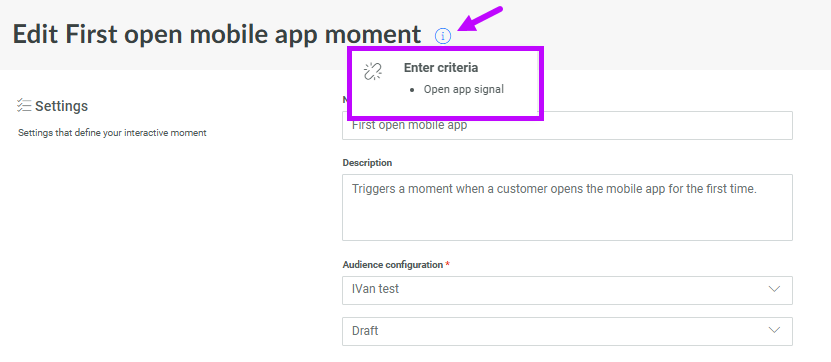
To track when a first use of the app is happening, the open app event needs to be tracked. The open app signal is then sent to the Moments application. These signals are then captured by the First Open App Moment:
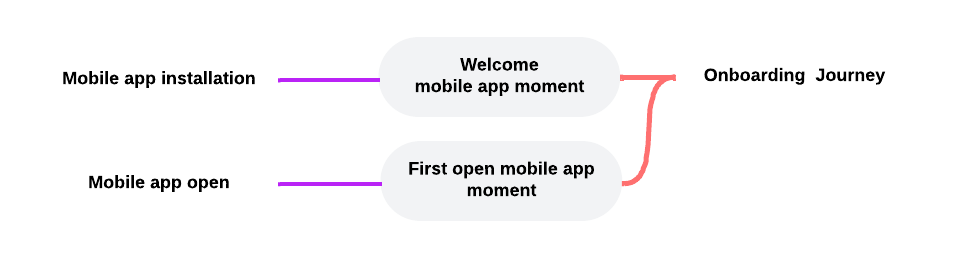
Configure the First Open App Moment
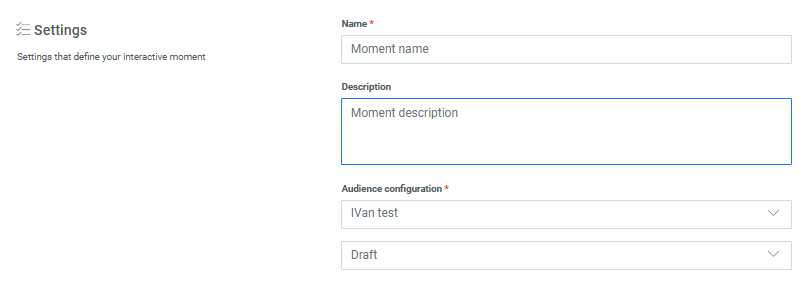
To configure a First Open App Moment, the following properties need to be set.
Settings
Check out the topic on creating a Moment for details on these generic settings.
App sources other than Moments to trigger the Moment (optional)
Note: The App source field is only displayed when at least one additional source, besides Moments and Signals, is configured for the environment. For example if you have a Loyalty integration, those events can also be used as a source for Interactive Moments to listen to.
The App source field let's you select additional sources for the Moment to listen to, such as Loyalty or Integrations.

Conditions to filter the signals triggering the Moment (optional)
Conditions let you define a filter on the incoming signals for this specific Moment using any attribute of the selected event.

When no condition is defined, all signals are captured.
Details on how to define a filter are available in the article Expression builder.
Note: The list of events that can be used for filtering corresponds to all the events that are available for this specific Moment and that are listed in the info box at the top: