Check Selligent Version
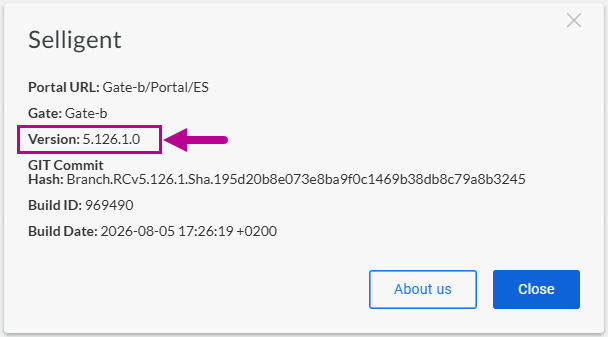
In the About Selligent dialog, you can see the Selligent version you're currently on.
Direct Selligent access (non-Zeta Login)
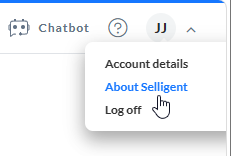
To access the About Selligent dialog in Selligent when not accessing it through Zeta Login, expand the drop-down at the top-right next to your user initials. Then click About Selligent.
In the dialog that pops up, the version number is displayed.
Selligent via Zeta Login
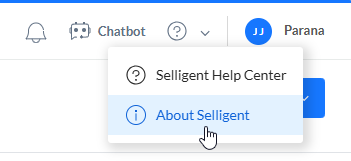
To access the About Selligent dialog in Selligent when accessing it through Zeta Login, expand the drop-down at the top next to the question mark. Then click About Selligent.
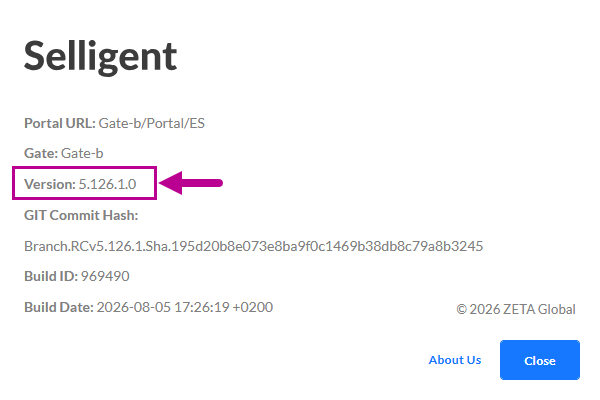
In the dialog that pops up, the version number is displayed.