
Single Sign-on is a session/user authentication process that permits a user to enter one name and password in order to access multiple Selligent applications.
Logging on through Zeta Login
Selligent customers using Zeta Login, will log on to the Selligent applications using the Zeta Login platform.
1. Log on to Zeta Login using the following URL: https://id.engageplatform.com/login.
2. Once logged on, your profile page is displayed.
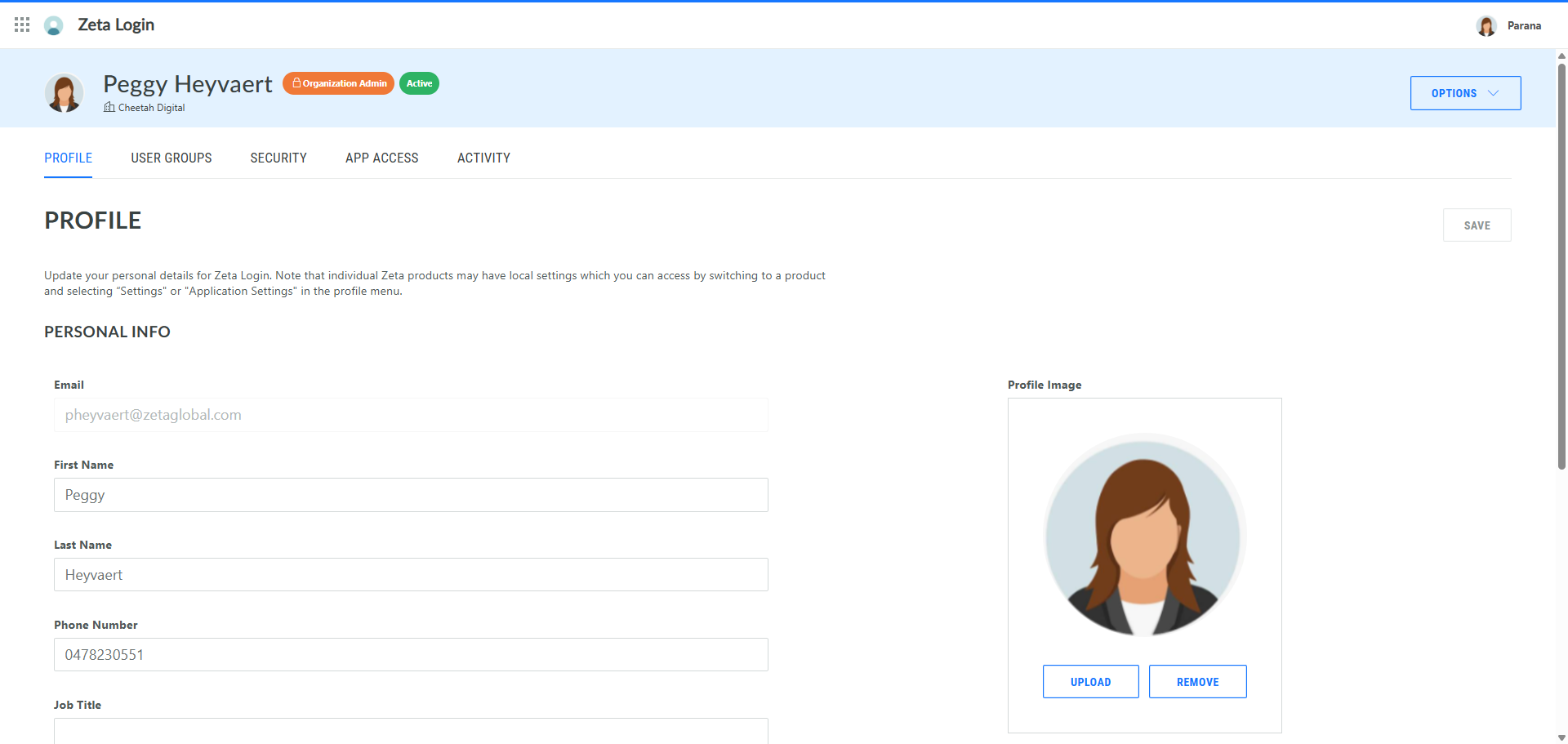
3. First, if you have access to multiple Business units, select the Business unit you want to access. To do so, click the current Business unit in the upper right corner. A dialog pops up. Click Change:

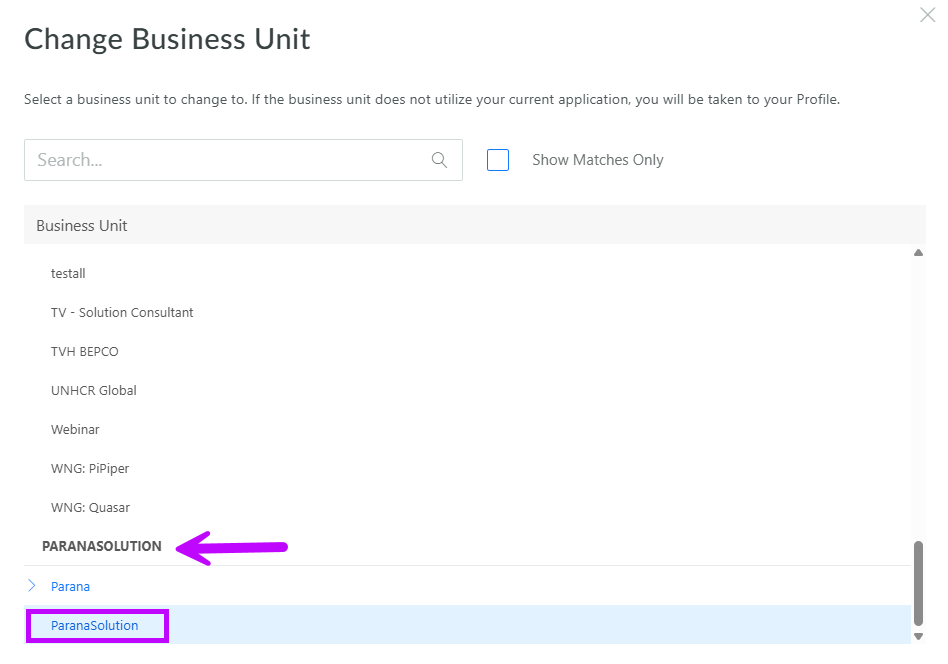
4. In the popup, navigate to your organization and select the Business unit of your choice:
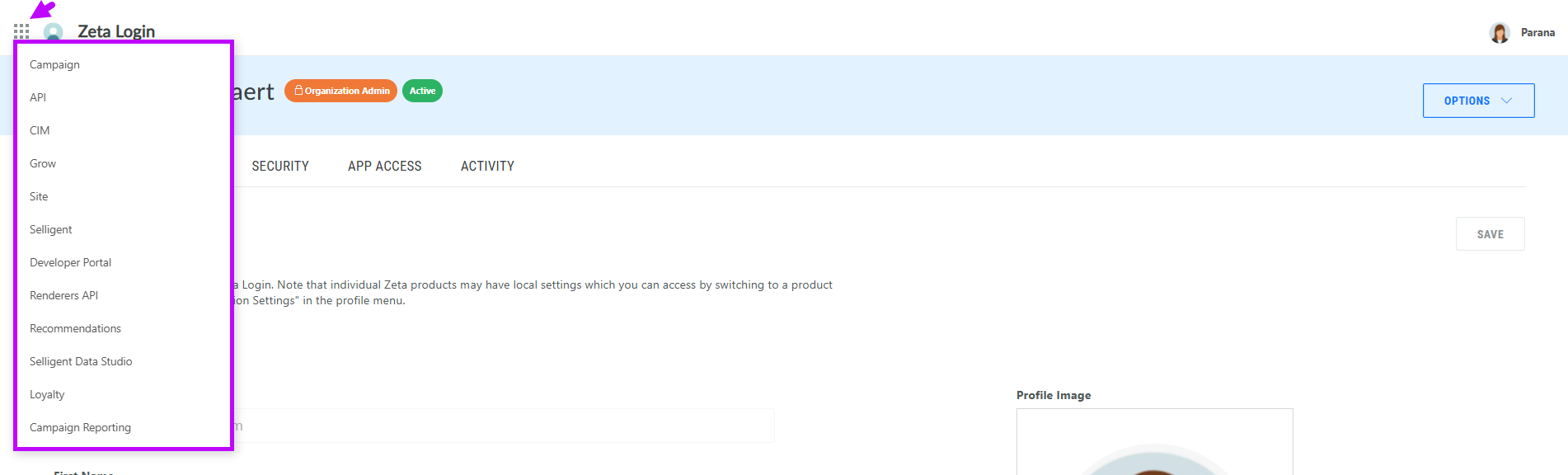
5. The Business unit in the upper right corner will automatically change to the selected one. Through the App switcher, you now have access to all the modules for which you have permissions within that Business unit:
Note: When logging in directly to the Selligent URL, the user is redirected to the Zeta Login page and once the credentials have been entered, redirected directly to the Selligent page.
Note that once you are in the Selligent application, you also access other applications or modules from the Modules icon in the top toolbar.
Note 2 : You can only be connected to a single Business unit at a time. Logging in to a different Business unit, even on a different tab, will log you out of the initial Business unit.
Log on through Selligent
This applies to customers who are not using Zeta Login to access the Selligent application.
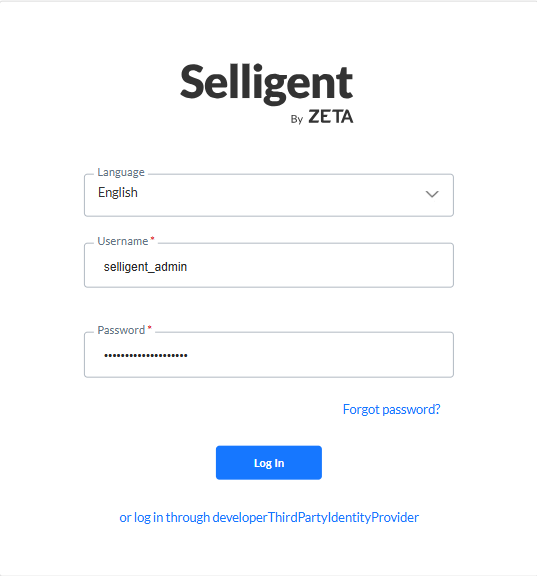
Once connected to Selligent by Zeta, modules can be launched without having to re-enter credentials.
This SSO is available for Campaign, Selligent, Grow, Recommendations, Site, Data Studio, and Mobile, but not for Loyalty. A separate logon is still required for Loyalty.
Note: In Site, users and rights are still configured. Authentication occurs during login to the portal. If a user with exactly the same name is found in Site, SSO will be available for that user.