
Note: When accessing the Selligent application using Zeta Login, password policies are no longer managed in Selligent but in Zeta Login instead. This is handled by the Services team. Put in a request to get this set up for your environment.
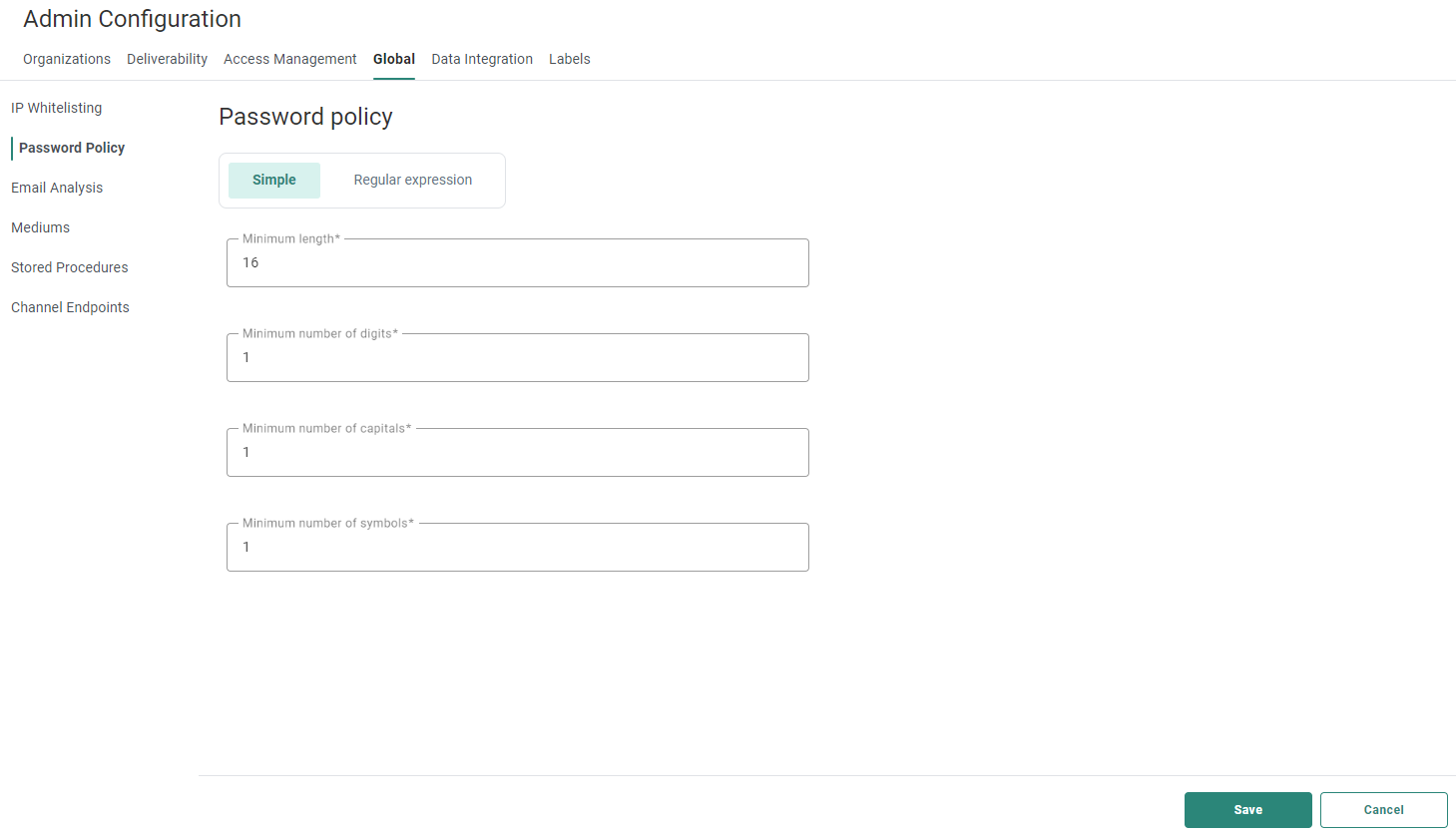
To set the password policy for your environment, you can choose one of two password policies :
- Simple — Enter the minimum length,
digits, capitals and the symbols that the user must enter to create a valid password.
- Regular expression
— Enter
the password pattern that is required for a valid password. A validation message can be added, per language, to explain to the user what is expected.
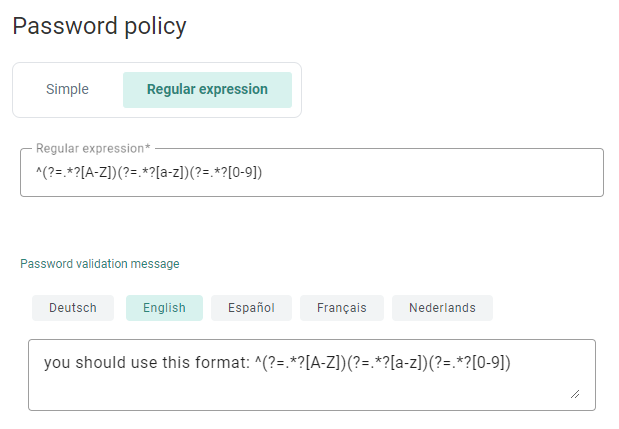
Example Regular Expression:
^(?=.*\d)(?=.*[a-z])(?=.*[A-Z])(?!.*\s).*$
The above regular expression verifies that there is at least one digit,
one lowercase character, one uppercase character, and no spaces.
When done, click Save to save your password policy settings.