

The standard Dashboards within Loyalty Essentials comprise multiple tiles and charts. The platform allows you to download an entire Dashboard, or to download only a single tile or chart for use in another application.
Download a Dashboard
To download an entire Dashboard:
-
Select Analytics from the top navigation bar, then select the desired standard Dashboard from the side navigation menu.
-
Optionally, apply any filters to the Dashboard.
-
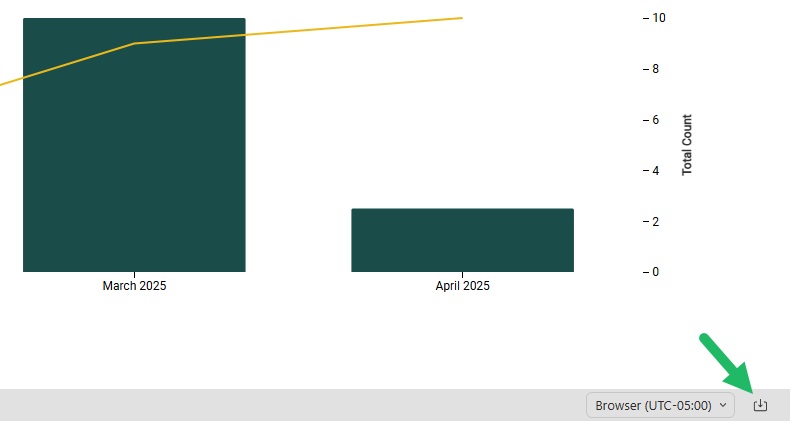
In the bottom-right corner of the Dashboard, click the Download icon, then select a file format: PDF or PNG.
-
The platform downloads the Dashboard in the selected file format to your local PC.
Download a Tile
To download a single tile from within a Dashboard:
-
Select Analytics from the top navigation bar, then select the desired standard Dashboard from the side navigation menu.
-
Optionally, apply any filters to the Dashboard.
-
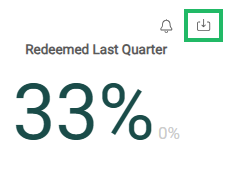
Hover your mouse over the desired tile. The Download icon appears in the top-right corner of the tile.
-
Click the Download icon, then select a file format: CSV, XLSX, or PNG. Selecting CSV or XLSX allows you to download the tile’s underlying data for use in other analytics or Business Intelligence tools. Selecting PNG allows you to save the tile as an image for use in presentations or reports.
-
The platform downloads the tile contents in the selected file format to your local PC.
