Remove a Role from a User Account
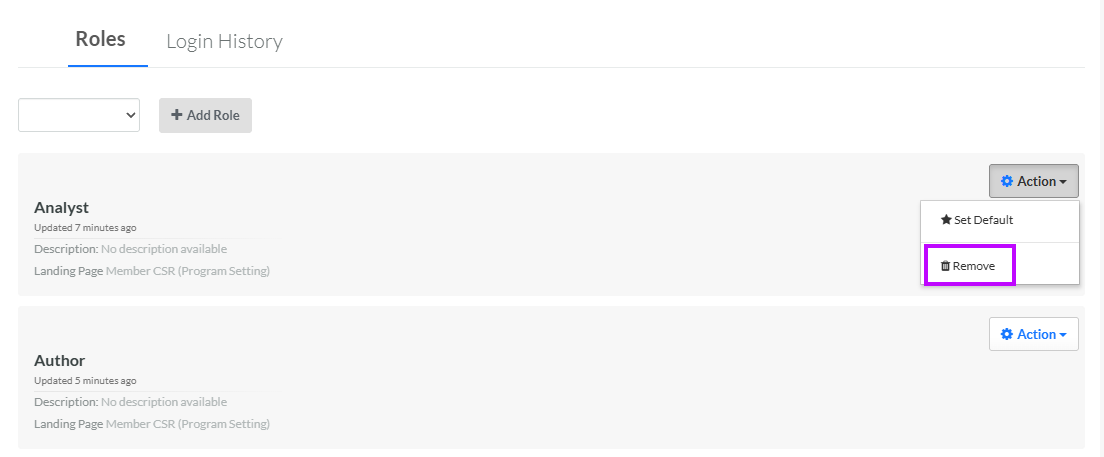
A Role is a collection of permissions that controls what features or resources a user can access, and what actions they can perform (view, create, update, and so forth). From the Roles tab of the User Account Details screen, an administrator can remove a Role from a User Account.
To remove a Role from a User Account:
-
Select Admin from the top navigation bar, then select Access > Console Users from the side navigation menu. The Console Users screen is displayed.
-
Optionally, search for and select the desired User Account (see Search for a User Account for more information on the available search options). The User Account Details screen is displayed with the Roles tab selected.
-
From the Action drop-down menu next to the desired Role, select Remove. A confirmation dialog box is displayed; click Confirm.