
Create a User Account
Loyalty platform administrators can create other User Accounts. To create a User Account:
-
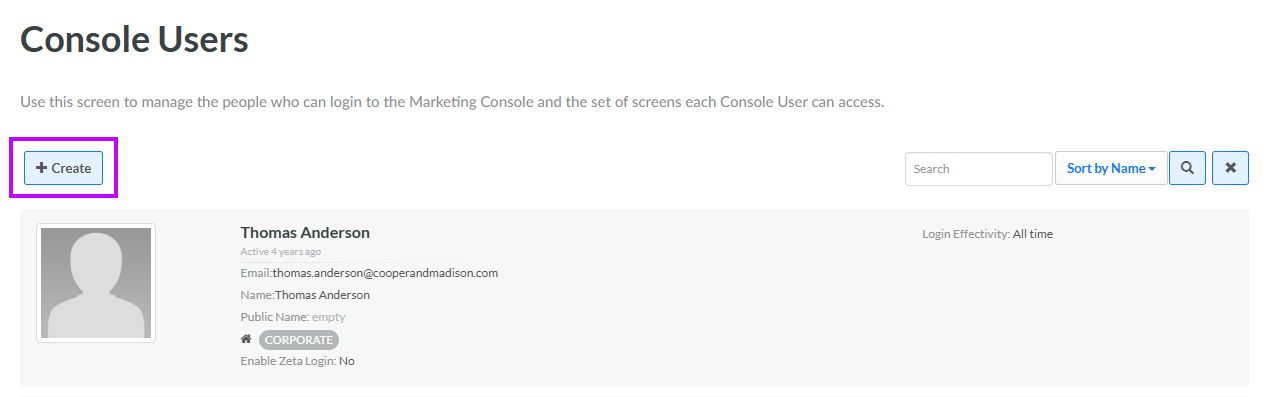
Select Admin from the top navigation bar, then select Access > Console Users from the side navigation menu. The Console Users screen is displayed.
-
Click Create. The Add Console User pop-up window is displayed.
-
In the Name field, enter the user's name.
-
In the Email field, enter the user's email address.
-
From the Default Role drop-down menu, select the default Role for this new User Account.
-
Optionally, check Email Credentials to send an email message to the user, informing them of the User Account creation. This email also contains a link for the user to establish their login password.
-
Click Create.
