Delete an OAuth Application
To keep your Loyalty instance uncluttered, the best practice recommendation is to delete unneeded or test OAuth Applications. The deletion process is permanent and irrevocable; you can’t later restore a deleted OAuth Application.
To delete an OAuth Application:
-
Select Admin from the top navigation bar, then select Access > OAuth Applications from the side navigation menu. The OAuth Applications screen is displayed.
-
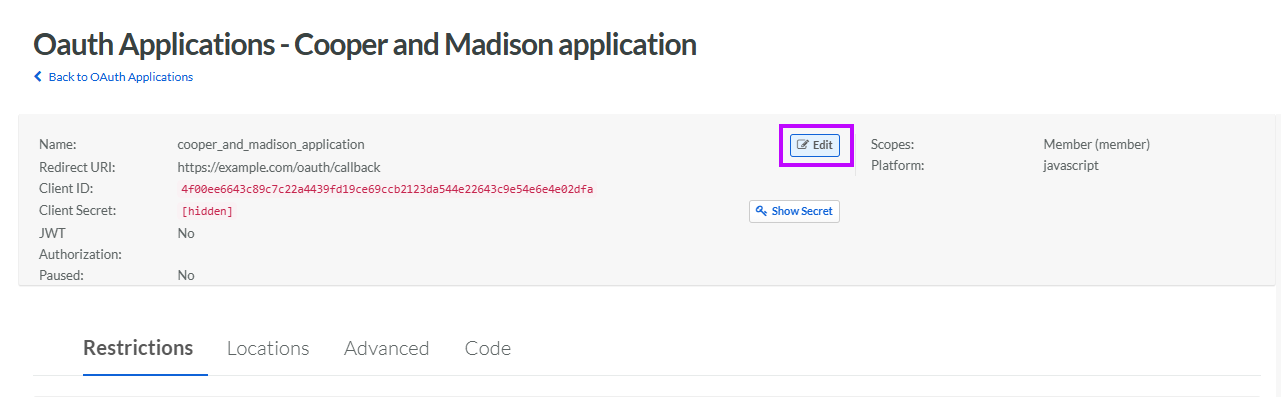
Search for and select the desired OAuth Application (see Search for an OAuth Application for more information on the available search options). The OAuth Application Details screen is displayed, with the Restrictions tab selected.
-
Within the header area of the screen, click the Edit icon. The Edit OAuth Application pop-up window is displayed.
-
Click Delete. A confirmation dialog box is displayed; click Confirm.