
Edit an Advanced Tier Rule
Advanced Tier Rules are displayed on the Advanced Rules tab as a grid. Each row in the grid represents an Advanced Tier Rule, with columns for basic properties, the condition, and the result.
Edit the Advanced Tier Rule Basic Properties
To edit the basic properties of an Advanced Tier Rule, such as its name, status, or Effectivity Date:
-
Select Rules from the top navigation bar, then select Tier Schemes from the side navigation menu. The Tier Schemes screen is displayed.
-
Search for and select the desired Tier Scheme (see
-
Select the Advanced Rules tab.
-
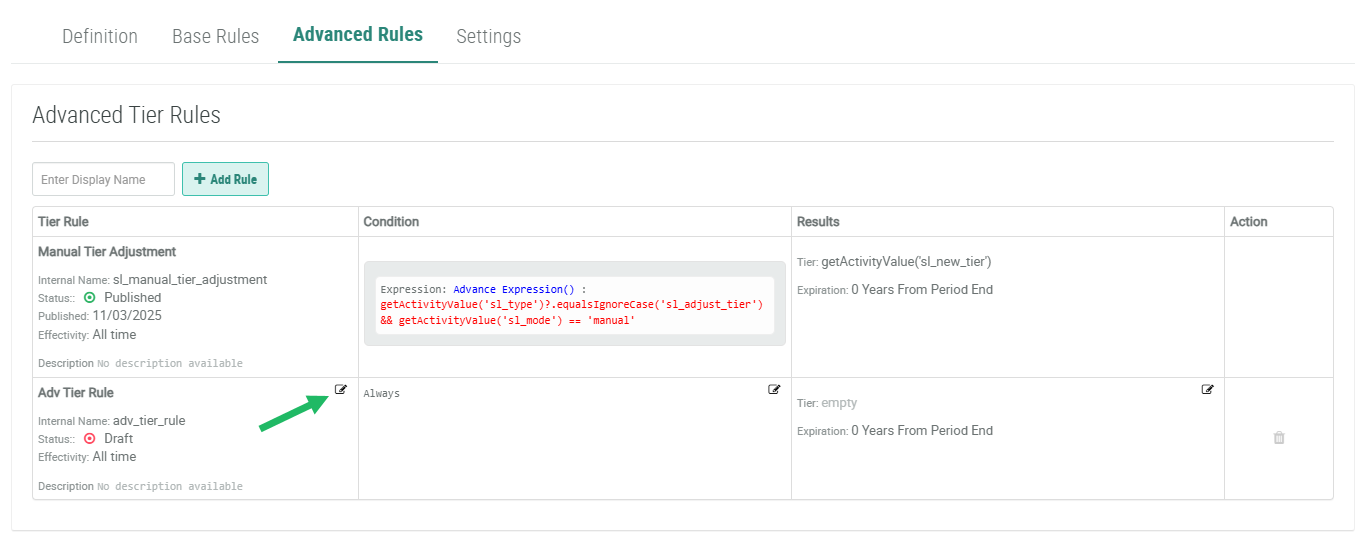
Within the Tier Rule column of the desired Advanced Tier Rule, click the Edit icon. The Edit Tier Rule pop-up window is displayed.
-
Make the desired changes to the Advanced Tier Rule properties. See Create an Advanced Tier Rule for details on these properties.
-
Click Save.
Edit the Advanced Tier Rule Condition
To edit the condition for an Advanced Tier Rule:
-
Select Rules from the top navigation bar, then select Tier Schemes from the side navigation menu. The Tier Schemes screen is displayed.
-
Search for and select the desired Tier Scheme (see
-
Select the Advanced Rules tab.
-
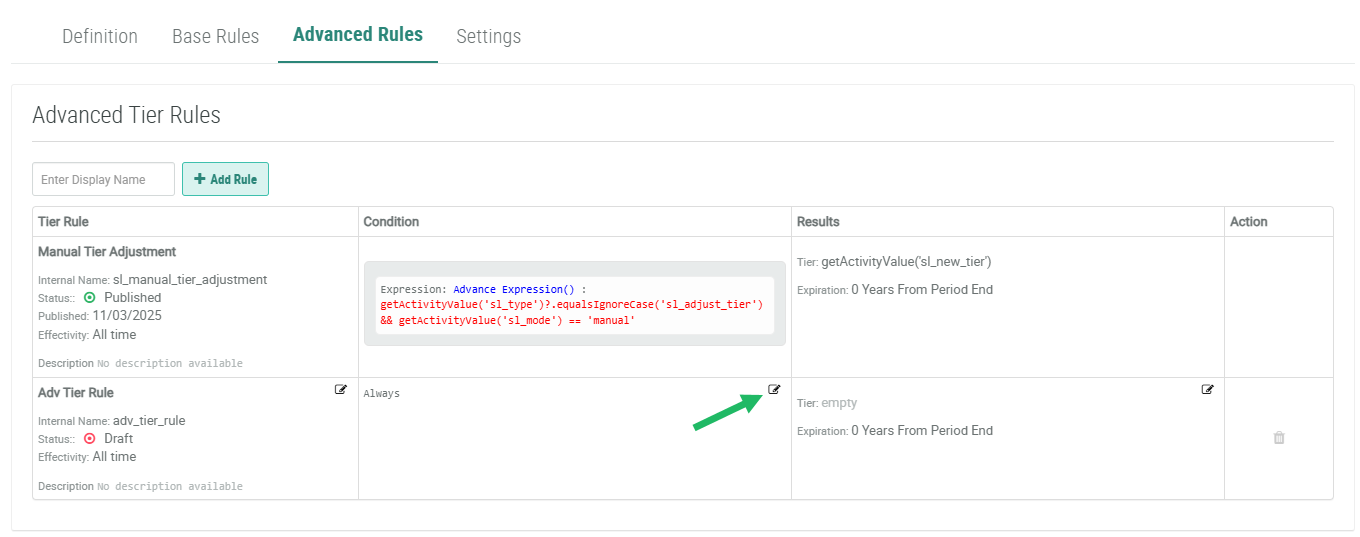
Within the Condition column of the desired Advanced Tier Rule, click the Edit icon. The Conditions pop-up window is displayed.
-
Make the desired changes to the Advanced Tier Rule condition. See Create an Advanced Tier Rule for details on conditions.
-
Click Save.
Edit the Advanced Tier Rule Result
To edit the result for an Advanced Tier Rule:
-
Select Rules from the top navigation bar, then select Tier Schemes from the side navigation menu. The Tier Schemes screen is displayed.
-
Search for and select the desired Tier Scheme (see
-
Select the Advanced Rules tab.
-
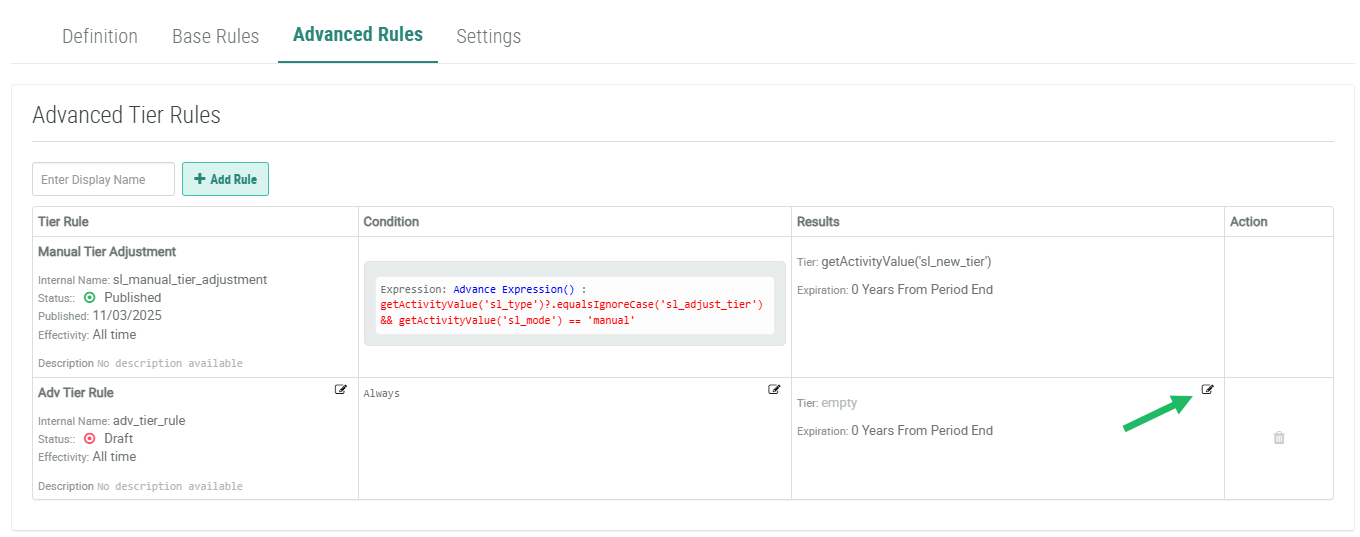
Within the Results column of the desired Advanced Tier Rule, click the Edit icon. The Edit Tier Rule pop-up window is displayed.
-
Make the desired changes to the Advanced Tier Rule result. See Create an Advanced Tier Rule for details on results.
-
Click Save.
