
Edit Tier Scheme Properties
Several of the high-level properties of a Tier Scheme (such as its name and description) are accessible from the header area of the Tier Scheme Details screen.
To view and edit the high-level properties of a Tier Scheme:
-
Select Rules from the top navigation bar, then select Tier Schemes from the side navigation menu. The Tier Schemes screen is displayed.
-
Search for and select the desired Tier Scheme (see
-
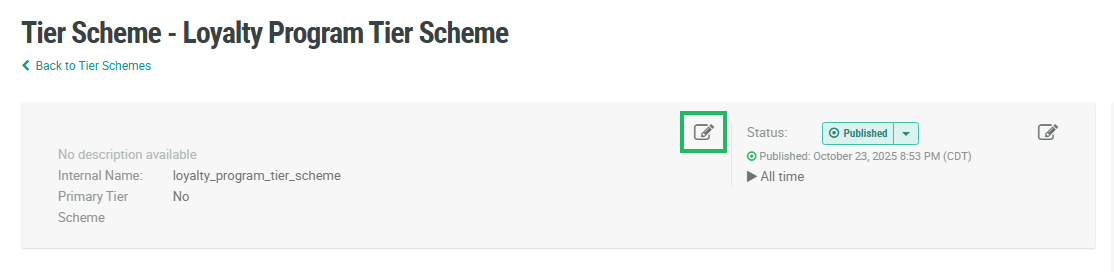
Within the header area, click the Edit icon. The Edit Tier Scheme pop-up window is displayed.
-
Optionally, make the desired changes to the Tier Scheme properties. For information on the available properties, see Create a Tier Scheme.
-
Click Save.
