Delete an Advanced Tier Rule
To keep your Loyalty instance uncluttered, the best practice recommendation is to delete unneeded or test Advanced Tier Rules. The deletion process is permanent and irrevocable; you can’t later restore a deleted Advanced Tier Rule.
To delete an Advanced Tier Rule:
-
Select Rules from the top navigation bar, then select Tier Schemes from the side navigation menu. The Tier Schemes screen is displayed.
-
Search for and select the desired Tier Scheme (see
-
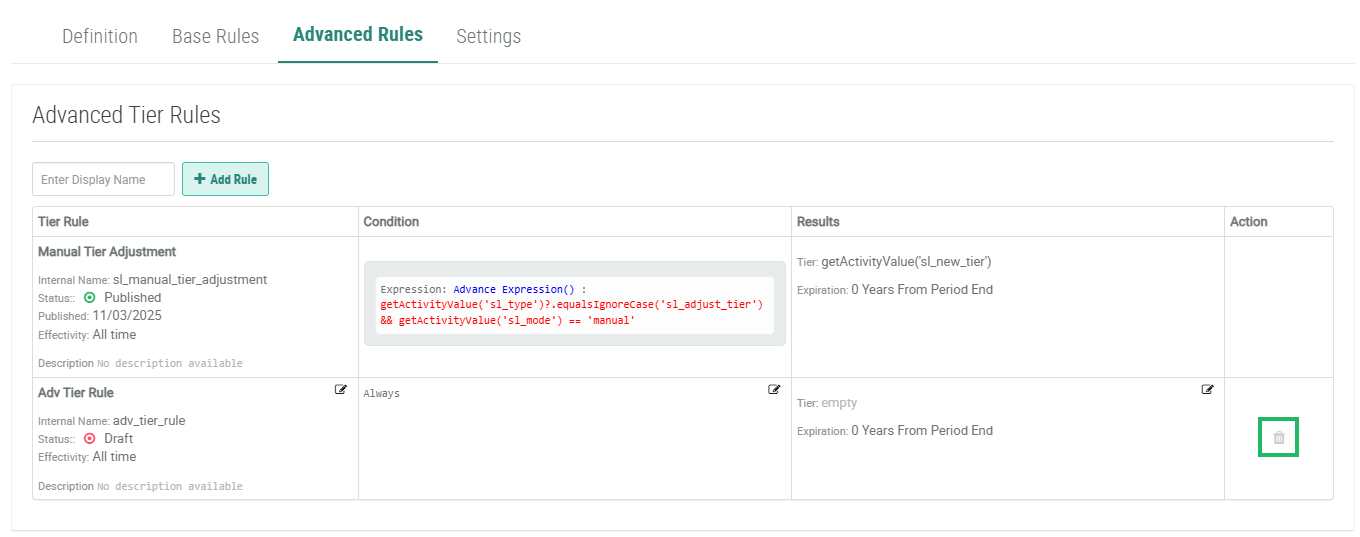
Select the Advanced Rules tab.
-
Within the Action column of the desired Advanced Tier Rule, click the Delete icon. A confirmation dialog box is displayed; click Confirm.