
View Query Imports
To view a log of past Query imports:
-
Select Analytics from the top navigation bar, then select Settings > Queries from the side navigation menu. The Analytics Queries screen is displayed.
-
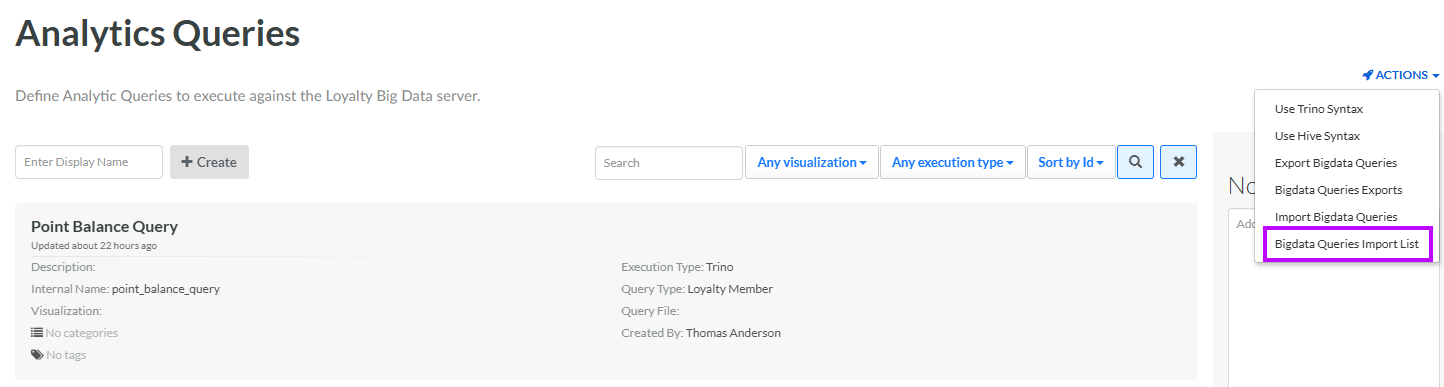
From the Actions drop-down menu, select Bigdata Queries Import List. The Bigdata Queries Import List pop-up window is displayed and populated with a list of all previous Query imports.
-
For each import, the window displays the following:
-
Imported by
-
Filename
-
Result (i.e., the number of records successfully imported, the number of failed records, and the number of skipped records)
-
Created at
-
Duration
-
Status
-
