
Publish a Placement
A Placement must have a status of Published to be considered live within the Loyalty platform.
To set the status of a Placement to Published:
-
Select Campaigns from the top navigation bar, then select Settings > Placements from the side navigation menu. The Placements screen is displayed.
-
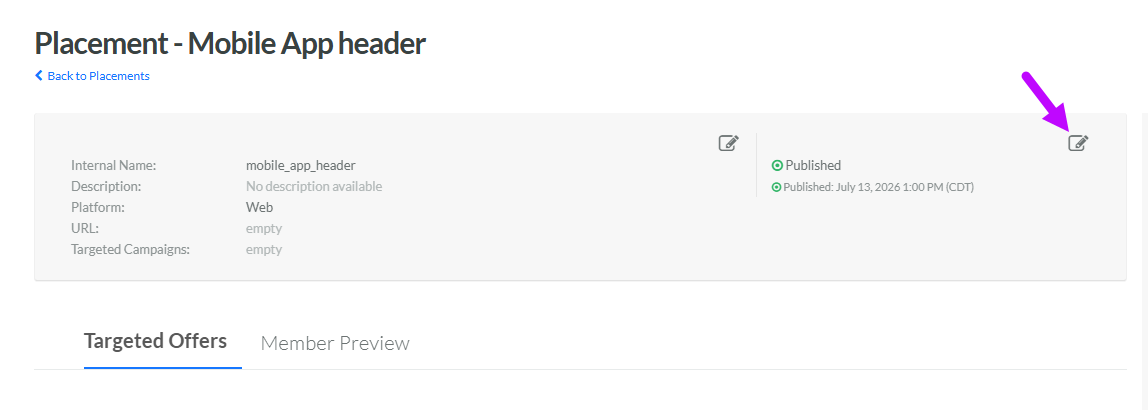
Search for and select the desired Placement (see Search for a Placement for more information on the available search options). The Placement Details screen is displayed, with the Targeted Offers tab displayed by default.
-
Within the header area of the screen, click the Edit icon in the top-right corner. The Edit Placement pop-up window is displayed.
-
From the Status drop-down menu, select Published.
-
Click Save.
