
Archive an Offer Campaign
To archive an Offer Campaign:
-
Select Campaigns from the top navigation bar, then select Campaigns > Campaigns from the side navigation menu. The Offer Campaigns screen is displayed.
-
Search for and select the desired Offer Campaign (see Search for an Offer Campaign for more information on the available search options). The Offer Campaign Details screen is displayed, with the Objective tab selected by default.
-
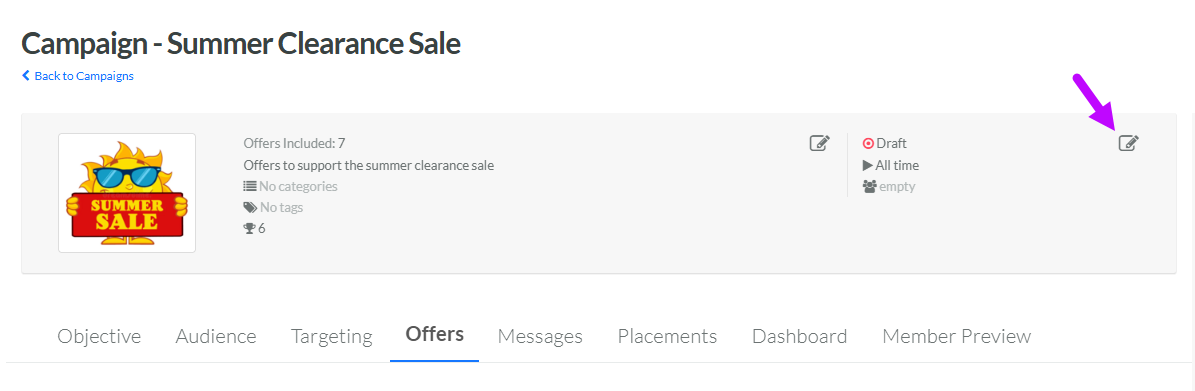
Within the header area of the screen, click the Edit icon in the top-right corner. The Edit <Offer Campaign Name> pop-up window is displayed.
-
From the Status drop-down menu, select Archived.
-
Click Save.
