
Publish an SMS Keyword
An SMS Keyword must have a status of Published to be considered live within the Loyalty platform.
To set the status of an SMS Keyword to Published:
-
Select Campaigns from the top navigation bar, then select Campaigns > Inbound SMS from the side navigation menu. The Inbound SMS screen is displayed.
-
Search for and select the desired SMS Keyword (see Search for an SMS Keyword for more information on the available search options). The SMS Keyword Details screen is displayed, with the Definition tab selected by default.
-
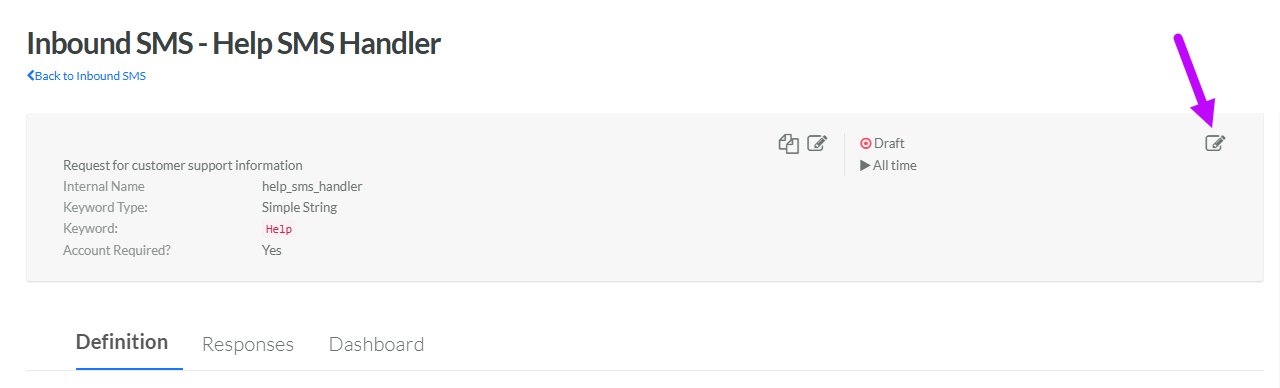
Within the header area of the screen, click the Edit icon in the top-right corner. The Edit Inbound SMS pop-up window is displayed.
-
From the Status drop-down menu, select Published.
-
Click Save.
