
View a Message Category
To view or edit the properties of a Message Category:
-
Select Campaigns from the top navigation bar, then select Settings > Categories > Message from the side navigation menu. The Message Categories screen is displayed.
-
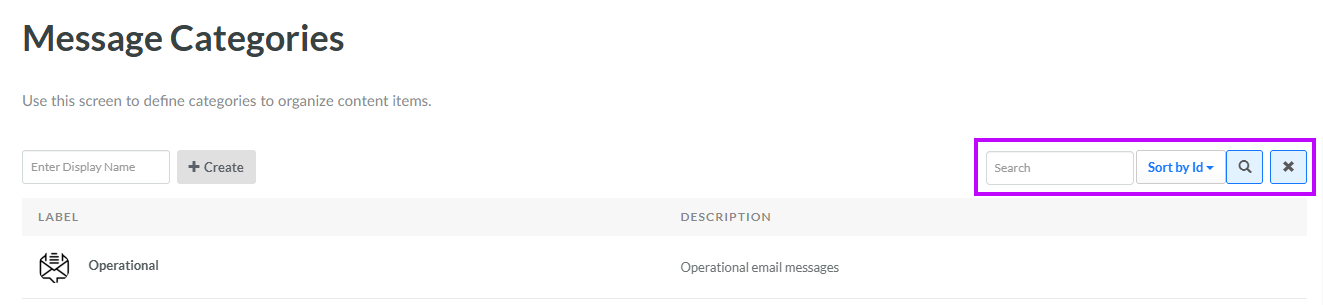
Optionally, enter a search string in the Search field. You can search for Message Categories based on their Display Name or Internal Name. Click the Search icon. The screen is refreshed to show only the Message Categories that meet your search criteria.
-
To sort the search results, select the desired sort order from the Sort By drop-down menu. The default sort order is by: Category ID.
-
Click the name of the desired Message Category. The Edit Message Category pop-up window is displayed.
-
Optionally, make any changes to the Message Category properties. For more information on these properties, see Create a Message Category.
-
Click Save.
