
Create a Client Application
A Client Application represents a client-branded app that Members can download and install on their mobile devices. The app must be defined with Loyalty as a Client Application, which allows it to be used to display loyalty program assets, and also to receive Push Notifications.
To create a Client Application:
-
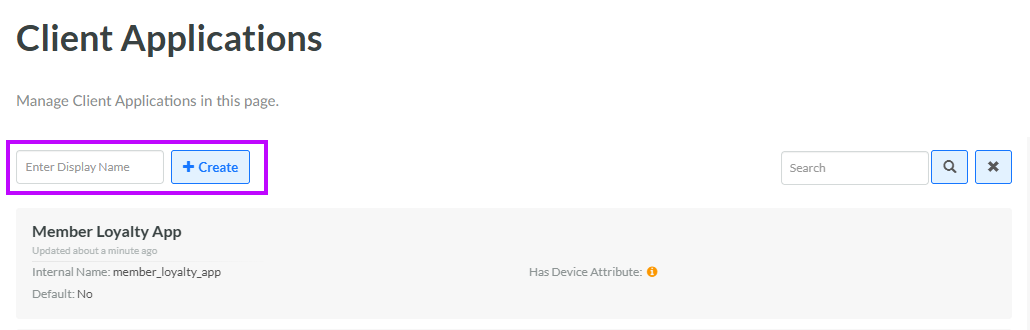
Select Admin from the top navigation bar, then select Access > Client Applications from the side navigation menu. The Client Applications screen is displayed.
-
In the Display Name field, enter the name of the new Client Application.
-
Click Create. The Client Application Details screen is displayed.
For additional information on how to configure the new Client Application, see Configure Client Application Definition.
