
Send Account Confirmation
The Loyalty platform can keep track of whether your Members have confirmed the email address they use to access your loyalty program.
To email account confirmation instructions to a Member:
-
Select Members from the top navigation bar, then select Members > Members from the side navigation menu. The Members screen is displayed.
-
On the Members screen, search for and select the desired Member (see Search for a Member for more information). The Member Details screen is displayed with the Metrics tab selected by default.
-
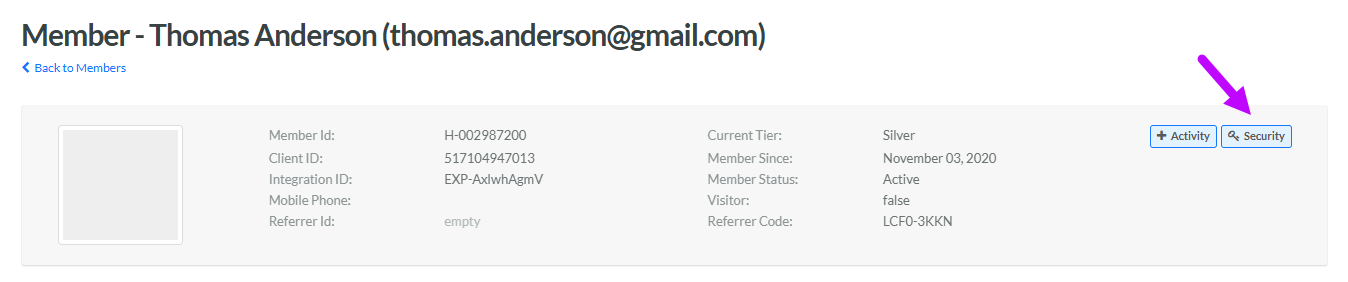
Within the header section of the screen, click Security. The Security pop-up window is displayed with the Password tab selected by default.
-
Select the Account Confirmation tab.
-
Click Send Confirm Instruction. The platform sends an email to the Member, with a link they can use to confirm their email address.
