Resend a Message
To resend a previously sent Message to a Member:
-
Select Members from the top navigation bar, then select Members > Members from the side navigation menu. The Members screen is displayed.
-
On the Members screen, search for and select the desired Member (see Search for a Member for more information). The Member Details screen is displayed with the Metrics tab selected by default.
-
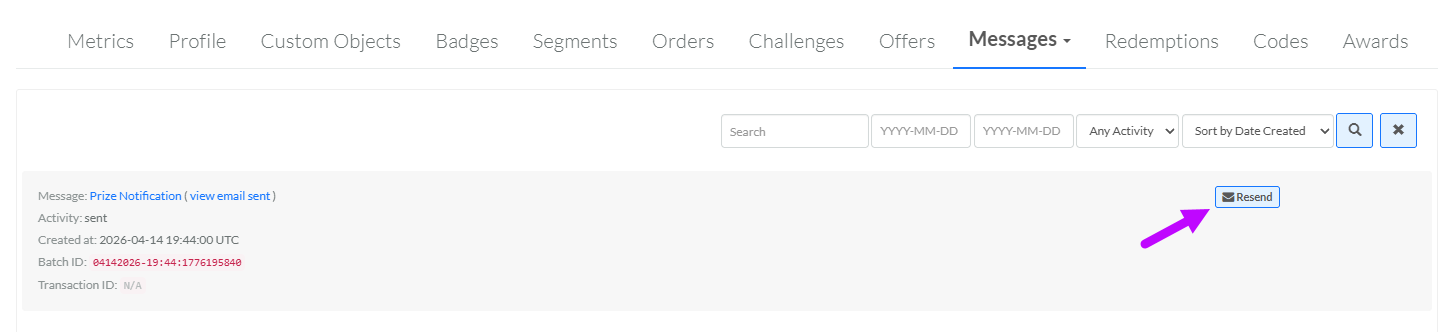
Select the Messages tab.
-
Optionally, search for the desired Message. See Member Details Tab Overview - Messages for more information on the available search options.
-
Next to the desired Message, click Resend. A confirmation dialog box is displayed; click Confirm.