Download a Document
To download an existing Document from the Member Details screen:
-
Select Members from the top navigation bar, then select Members > Members from the side navigation menu. The Members screen is displayed.
-
On the Members screen, search for and select the desired Member (see Search for a Member for more information). The Member Details screen is displayed with the Metrics tab selected by default.
-
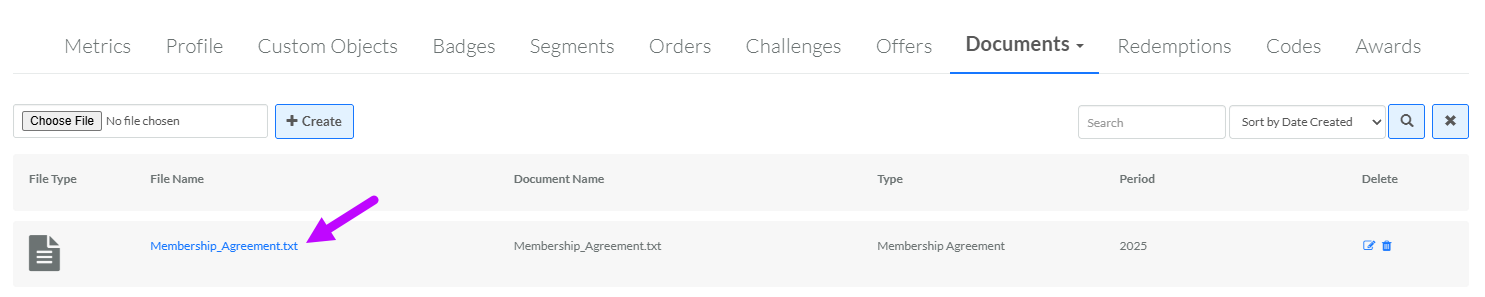
Select the Documents tab.
-
Optionally, search for the desired Document. See Member Details Tab Overview - Documents for more information on the available search options.
-
Click the name of the desired Document. The platform downloads the Document to your local PC.