
Download a News Feed Export
To download a previously-generated export file of News Feeds:
-
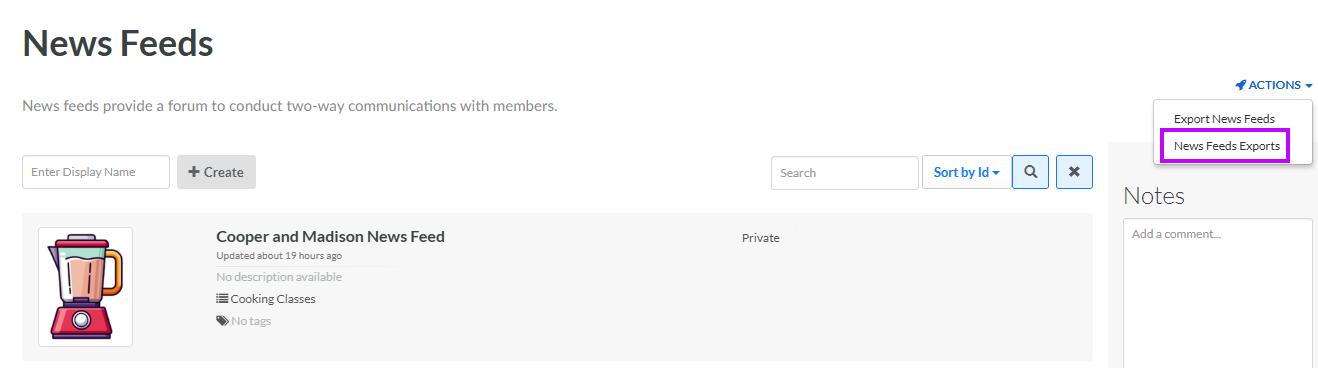
Select Communities from the top navigation bar, then select News Feed from the side navigation menu. The News Feeds screen is displayed.
-
From the Actions drop-down menu, select News Feeds Exports. The News Feeds Export Definitions pop-up window is displayed and populated with a list of all existing News Feed Exports.
Note: The Date Created column indicates the current version of an export. Optionally, you may want to refresh an export prior to downloading it (see Manually Execute a News Feed Export for more information on this process).
-
From the Action column of the desired export, click the Download icon. The platform downloads the file to your local PC.
