
Upload a Gallery Item
The Gallery serves as a media repository for Member-supplied images and videos, as well as for files uploaded by marketers directly to the Gallery.
After you load an image or a video into the Gallery, it becomes available for selection when building content in the Content Editor. See Working with Images for more information on this process.
Note: Only .jpg, .gif, .png, .mp4, and .mov files less than 10MB in size can be uploaded into the Gallery.
To upload a new Gallery item:
-
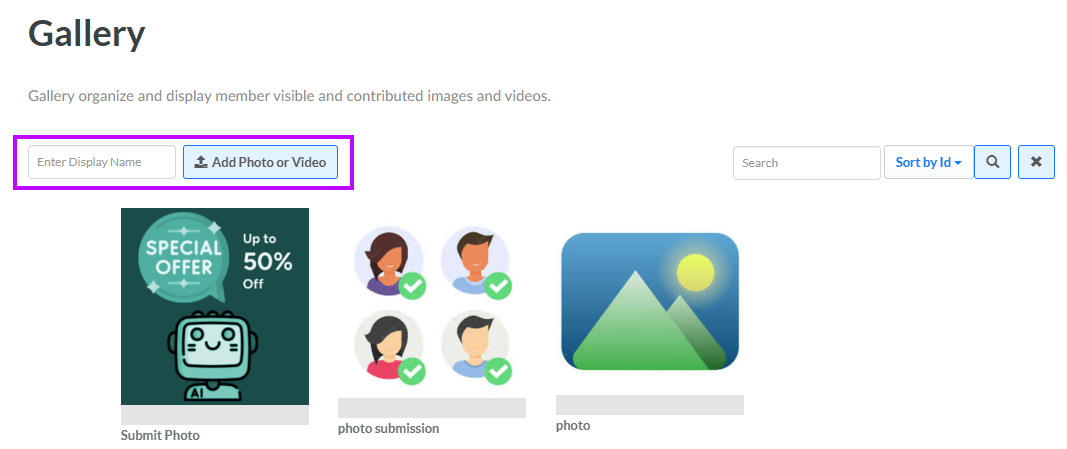
Select Communities from the top navigation bar, then select Gallery from the side navigation menu. The Gallery screen is displayed.
-
In the Display Name field, enter the name of the new Gallery Item.
-
Click Add Photo or Image. An Open File window is displayed.
-
Browse to and select the desired file, then click Open. The selected file is added to the Gallery.
For information on how to edit the Gallery item's properties (such as adding a description), see Edit Gallery Item Properties.
