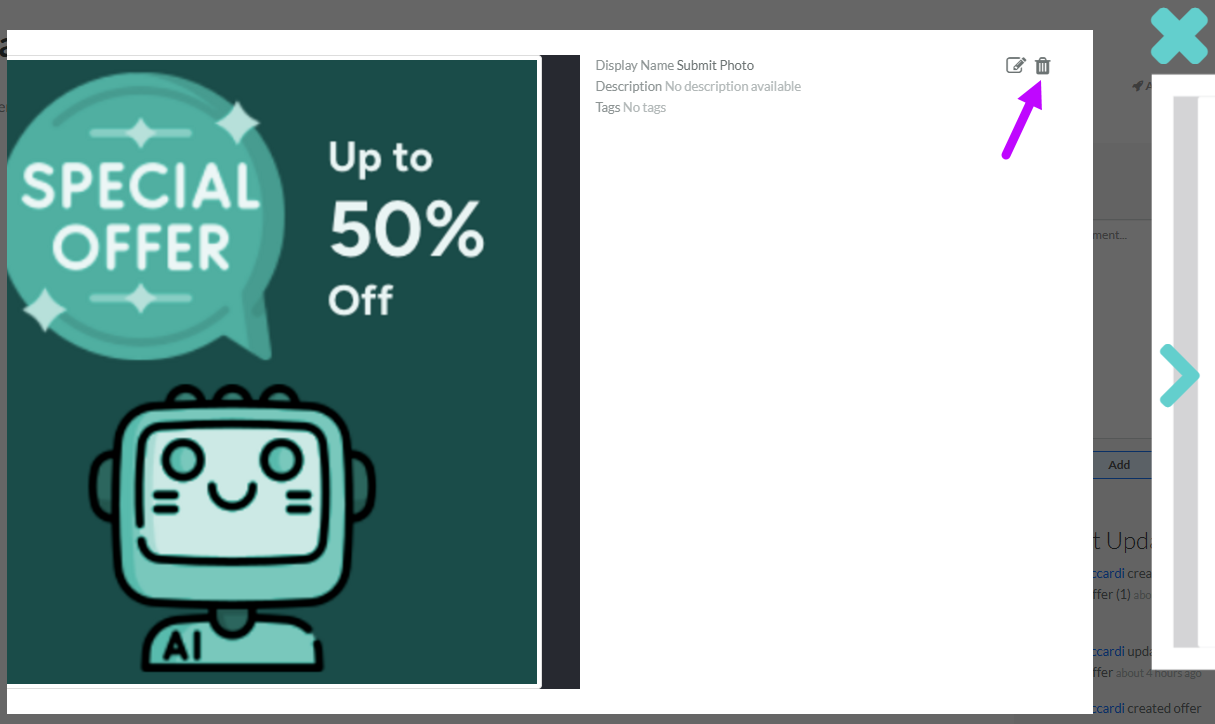
Delete a Gallery Item
The Gallery serves as a media repository for Member-supplied images and videos, as well as for files uploaded by marketers directly to the Gallery.
To keep your Loyalty instance uncluttered, the best practice recommendation is to delete unneeded or test Gallery Items. The deletion process is permanent and irrevocable; you can’t later restore a deleted Gallery Item.
To delete a Gallery item:
-
Select Communities from the top navigation bar, then select Gallery from the side navigation menu. The Gallery screen is displayed.
-
Search for and select the desired Gallery item (see Search for a Gallery Item for more information on the available search options). The Gallery Item Details pop-up window is displayed.
-
Click the Delete icon.