Delete a Dashboard
To keep your Loyalty instance uncluttered, the best practice recommendation is to delete unneeded or test Dashboards. The deletion process is permanent and irrevocable; you can’t later restore a deleted Dashboard.
The following steps apply to both Analytics Dashboards and Query Dashboards.
To delete a Dashboard:
-
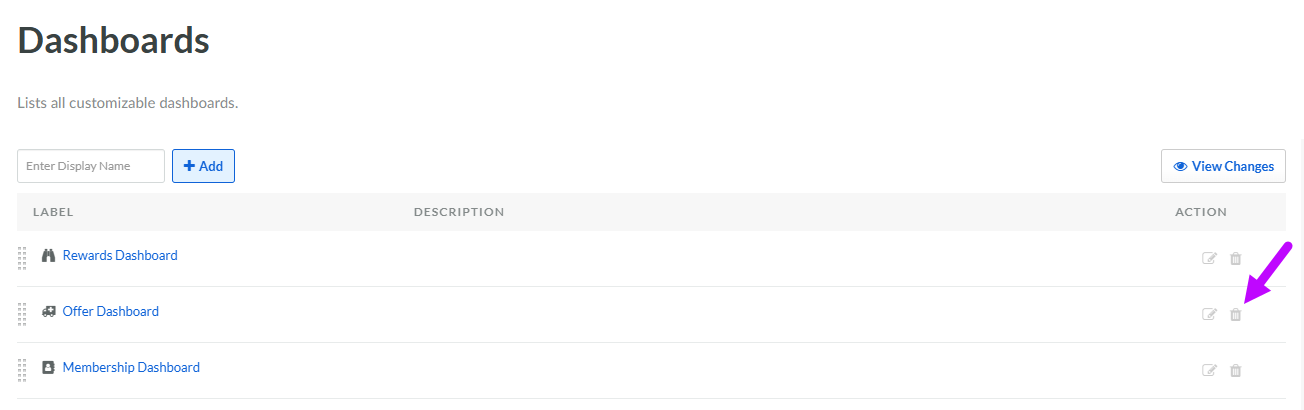
Select Analytics from the top navigation bar, then select Settings > Dashboards from the side navigation menu. The Dashboards screen is displayed and populated with all the standard and custom Dashboards defined in your Loyalty account.
-
Next to the desired Dashboard, click the Delete icon. A confirmation dialog box is displayed; click Confirm.