View a Chart Theme
To view or edit the properties of a Chart Theme:
-
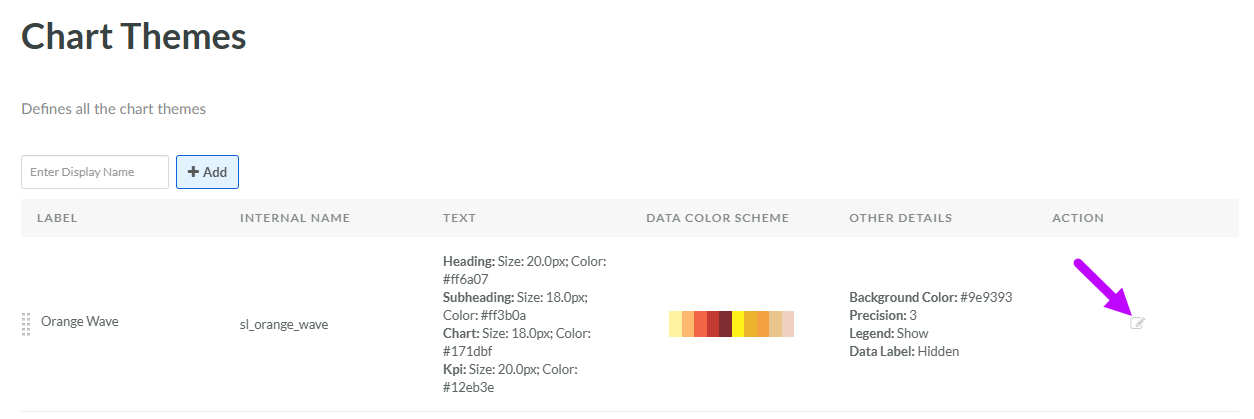
Select Analytics from the top navigation bar, then select Settings > Chart Themes from the side navigation menu. The Chart Themes screen is displayed.
-
Next to the desired Chart Theme, click the Edit icon. The Edit Chart Theme pop-up window is displayed.
-
Optionally, make the desired changes to the Chart Theme properties. For information on the available properties, see Create a Chart Theme.
-
Click Save.