Delete a Chart Theme
To keep your Loyalty instance uncluttered, the best practice recommendation is to delete unneeded or test Chart Themes. The deletion process is permanent and irrevocable; you can’t later restore a deleted Chart Theme.
Note: You can't delete any of the default Chart Themes that come pre-installed with the platform; you can delete only custom, user-defined Chart Themes.
If the Chart Theme that you delete has been assigned to any KPI Tiles or Panels, those components will automatically revert to using the Default Chart Theme.
To delete a Chart Theme:
-
Select Analytics from the top navigation bar, then select Settings > Chart Themes from the side navigation menu. The Chart Themes screen is displayed.
-
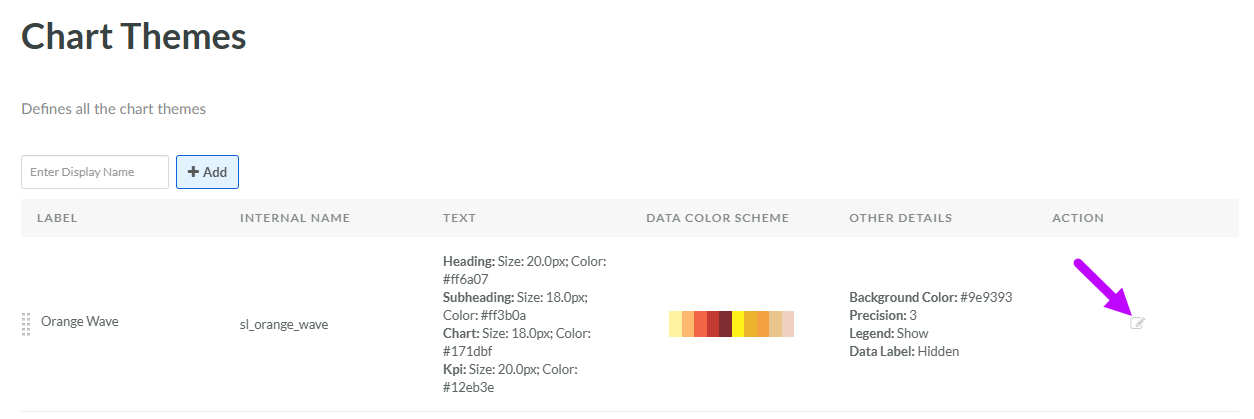
Next to the desired Chart Theme, click the Edit icon. The Edit Chart Theme pop-up window is displayed.
-
Click Delete. A confirmation dialog box is displayed; click Confirm.