How to: Reorganize and Set the Priority of my Experiences
This feature is available to Admins only.
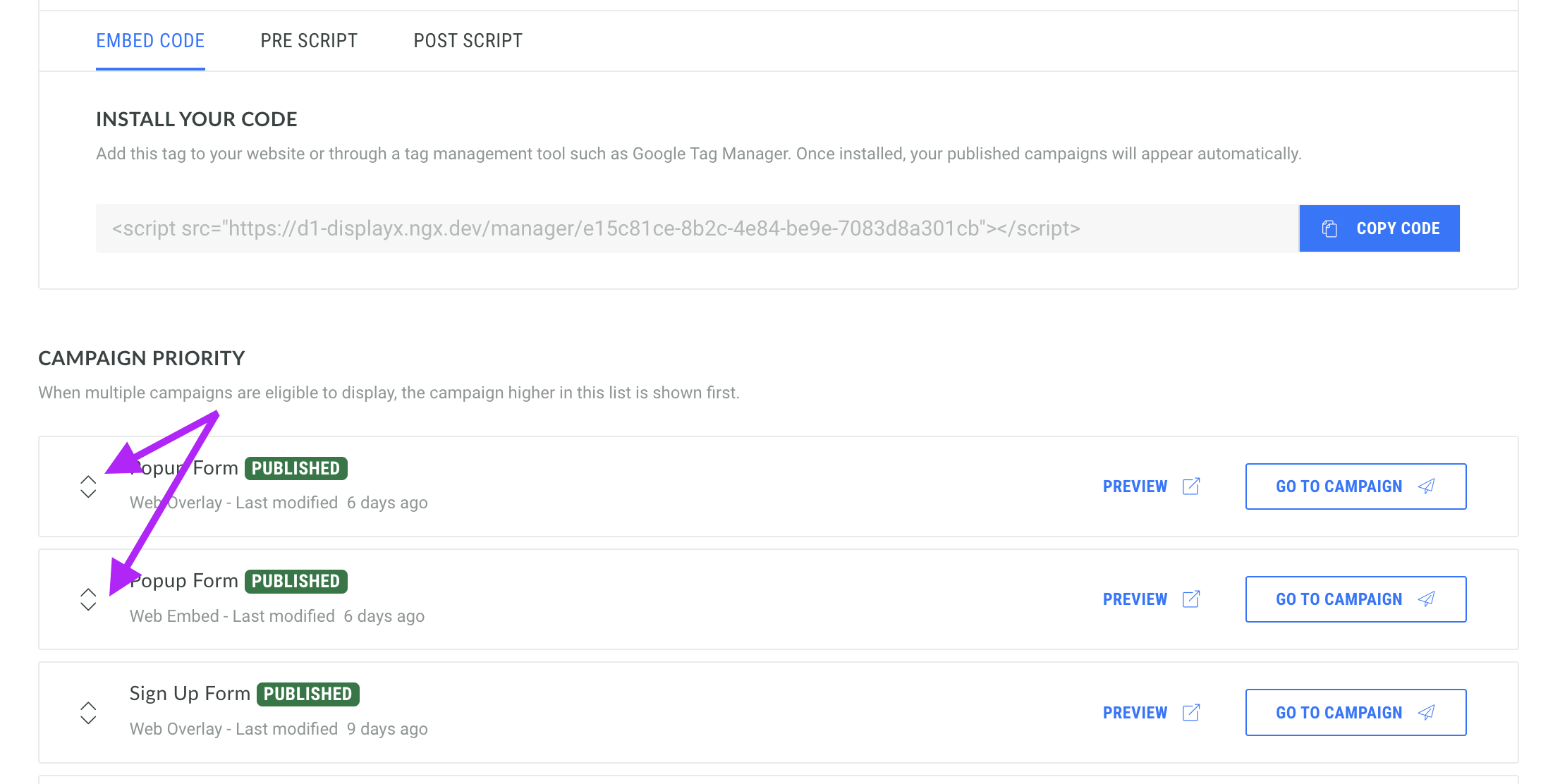
If you are using a Placement Manager to publish your Experiences, the order in which they are displayed is defined by the order they're organized within the Placement Manager.
You can easily set the priority of your Experiences by reorganizing them using our drag and drop system.
-
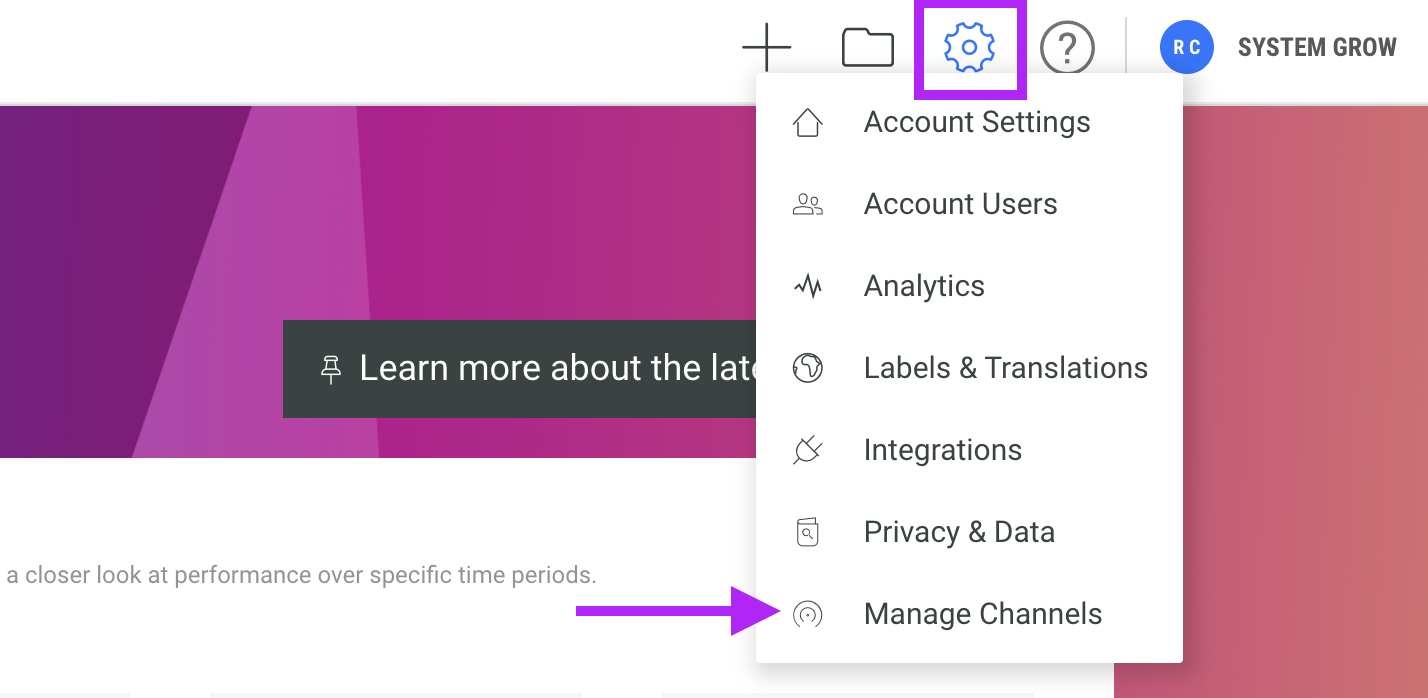
Hover over the cog icon in the top right hand corner and click Manage Channels
-
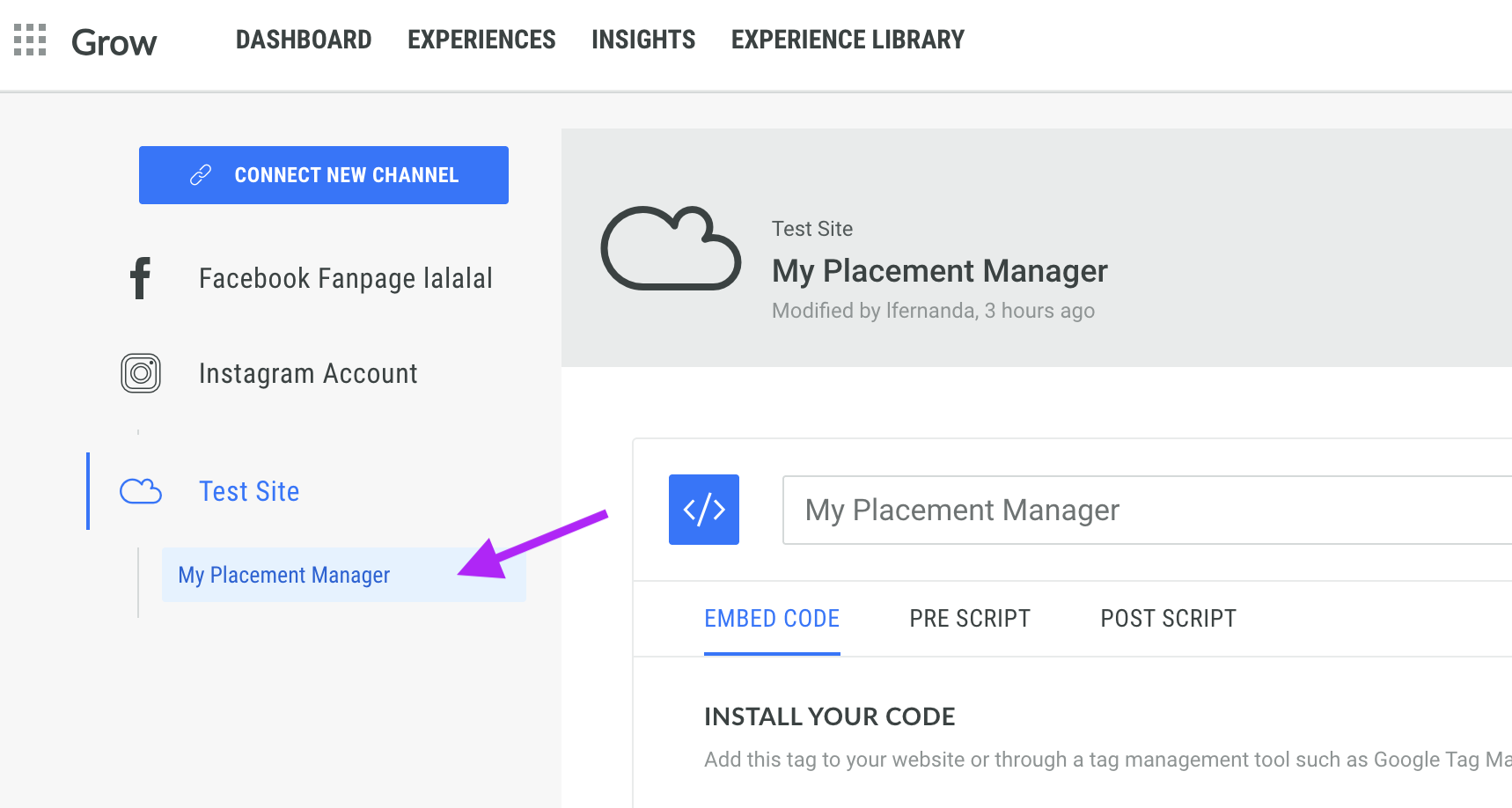
Select the Placement Manager from the left hand side.
-
Here, you can see all of the Experiences that are being published using this Placement Manager.
Simply drag and drop the campaigns to reorganize them; the campaign higher in this list will be shown first.