Macro Experiences
How to: Authorize / Re-authorize an Instagram Feed
Before you begin
For the Instagram API, users are required to perform additional authentication steps to activate a feed. Please see this article about ensuring that your Instagram business account is correctly setup.
Important Note:
By default, if you are already signed into Facebook, this account will be used, to change this you can simply click the Login to another account when the Facebook prompt appears, it's important you login to the Facebook account that is an Admin for the Fanpage your Instagram account is connected to.
How to authorize a new Instagram feed
- Navigate to the Content tab.
- Open the Collection and switch to Feeds section (
 ).
). - Click Create Feed and select the required Instagram feed type, for hashtag content click Create on the Instagram Hashtag type.
- When prompted, click Authenticate Now.
- If you've previously used your Facebook account with Grow (Wayin app), you will be asked if you wish to Continue as ... the current user account or to login with another. If you haven't authenticated before, you will be simply asked to continue.
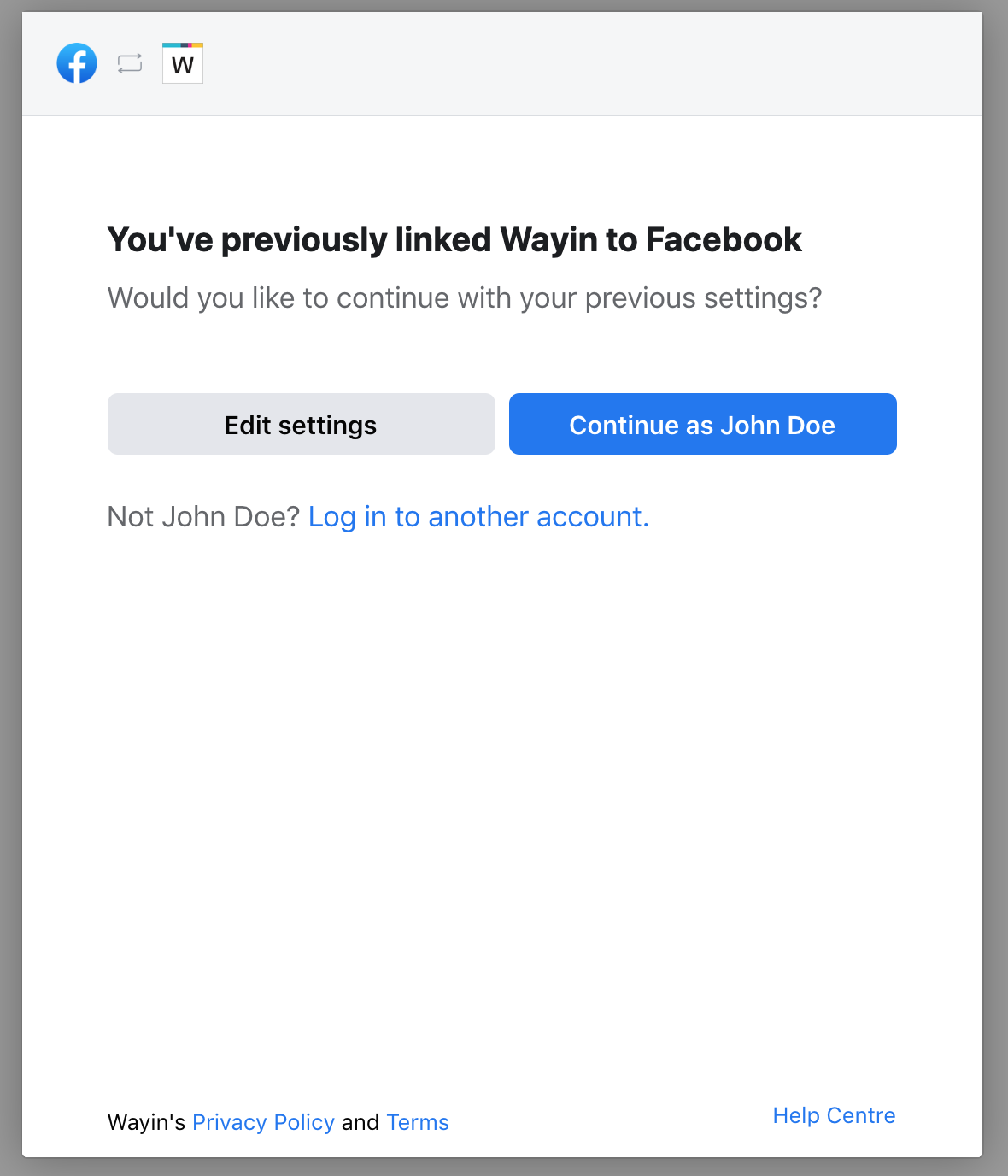
Edit Settings will allow you to review which Fanpages you've granted the Wayin app access to in the past.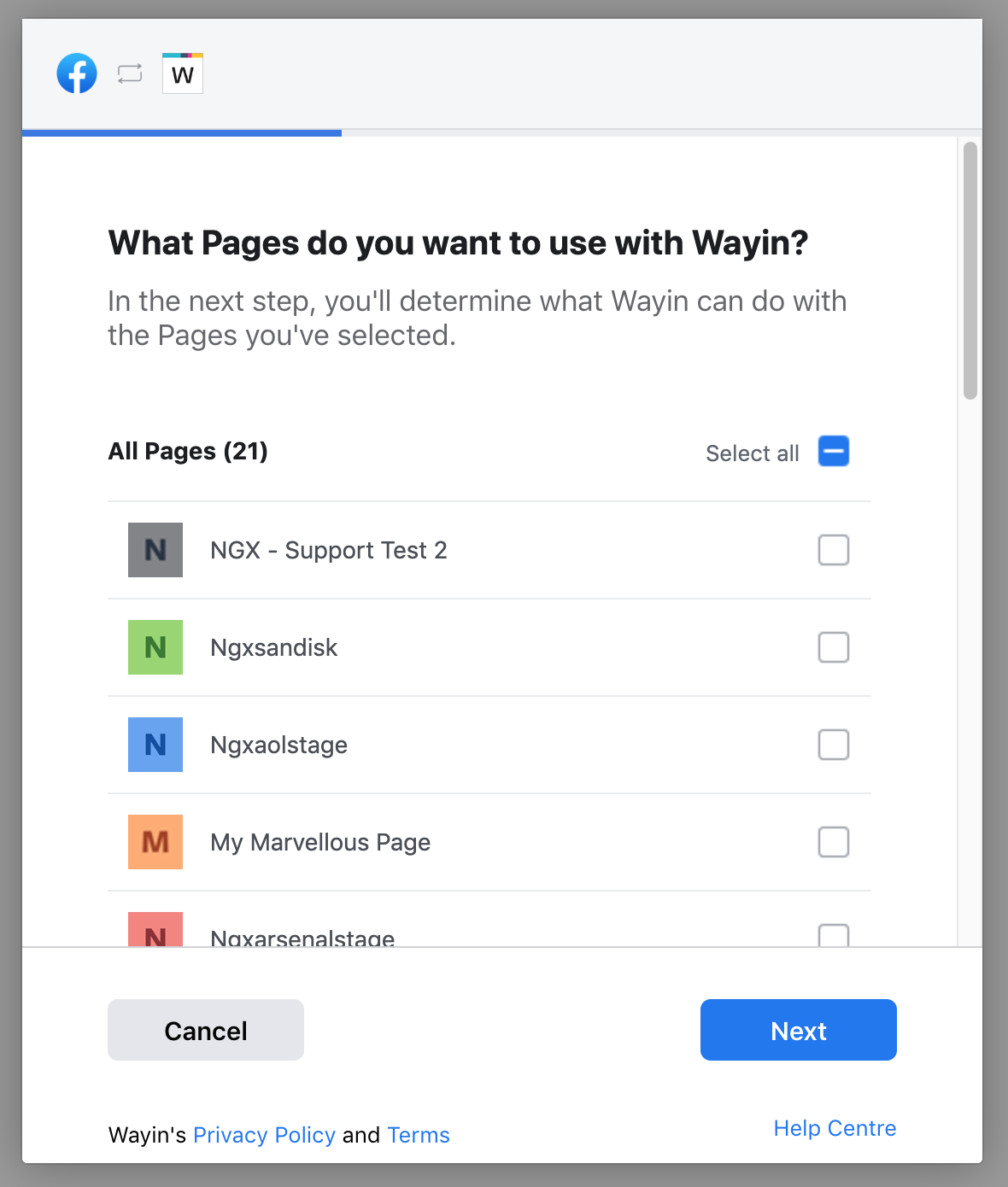
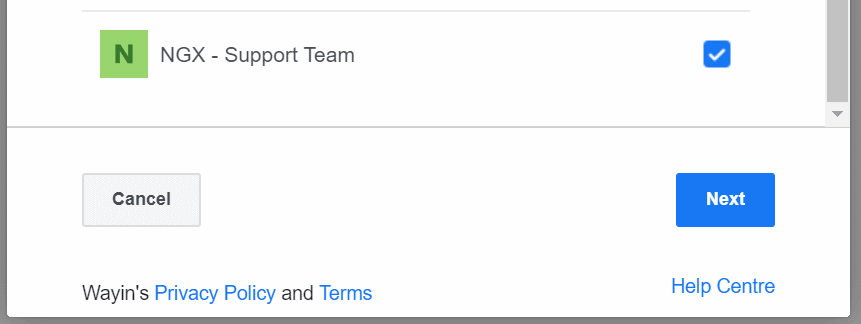
- If prompted, you will now need to select the box next to the Fanpage from the list you wish to grant the Wayin app access to, this is required for us to access the Instagram business account connected to it, click Next.
- When asked What is Wayin allowed to do?, ensure Manage your pages is enabled (Shown as Yes), click Next.
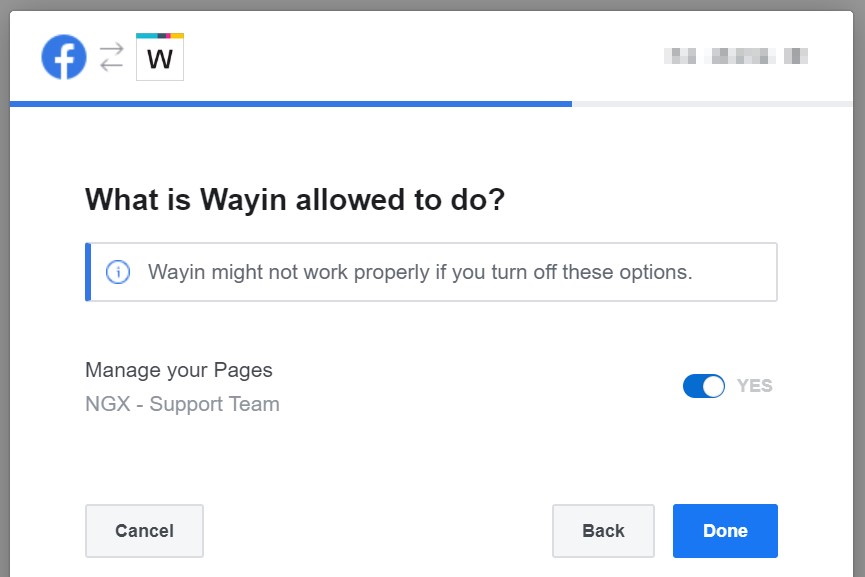
Declining access will not allow you to authorize your feed. - When complete, you should be shown You've now linked Wayin to Facebook, click OK.
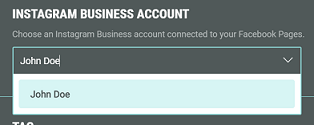
- This should take you back to your Feed settings, from here you can now select an Instagram Business account, as you can see here:
How to re-authorize an existing Instagram feed
- Navigate to the Content tab.
- Open the Collection and switch to Feeds section ()
- Click on the settings icon to edit the Instagram feed settings.
- In top right-hand corner click on Re-authorize.

- If you've previously used your Facebook account with Grow (Wayin app), you will be asked if you wish to Continue as ... the current user account or to login with another. If you haven't authenticated before, you will be simply asked to continue.
Edit Settings will allow you to review which Fanpages you've granted the Wayin app access to in the past. - If prompted, you will now select the box next to the Fanpage from the list you wish to grant the Wayin app access to, this is required for us to access the Instagram business account connected to it, click Next.
- When asked What is Wayin allowed to do?, ensure Manage your pages is enabled (Shown as Yes), click Next.
Declining access will not allow you to authorize your feed. - When complete, you should be shown You've now linked Wayin to Facebook, click OK.
- This should take you back to your Feed settings, from here you can now select an Instagram Business account, as you can see here:
- Once you've selected your Instagram Business account, you can then test it with Preview (top-right), if content appears, everything should be fine to save, go ahead and click Save to commit the changes.
Content should now be collected regularly based on your search settings and will be able to curate in the collection moderation area.